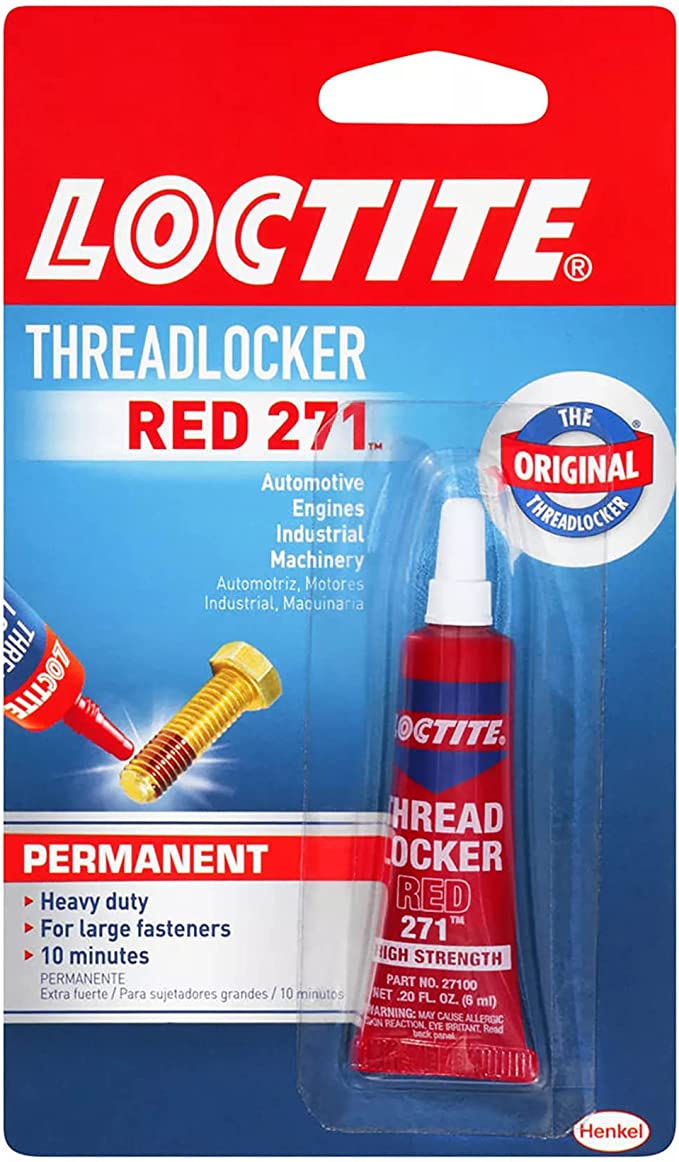
It is recommended that Loctite Threadlocker is used to secure the smart door lock handle in place upon installation and/or if the handle becomes loose.
If your SDL-S2 smart lock interior handle has lost resistance and feels loose, this article will guide you through the fix. This video shows how the interior handle behaves when it has lost resistance, so you can confirm whether your lock is ...
If the handle is loose or coming off, this can usually be fixed by removing the lock from the door and tightening the screws. If the handle turns freely or feels like it has lost resistance, please continue reading. All smart locks use a tension ring ...
Watch this video - SDL-S1 handle that has lost resistance Take the lock off the door - Take off the screw behind the batteries and at the bottom of the inside panel - Unplug the cable carefully - Make sure not to pull it out with force, this may ...
Prerequisites: 1. Make sure the smart door lock is powered up using fresh batteries. If it doesn't power up, refer to the Why is my Smart Door Lock not powering up? article. 2. Make sure the lock is configured (see this article to configure the ...
Read before you start troubleshooting. If the troubleshooting steps in this article do not resolve the issue, please send us the following so we can assist you further. You are welcome to capture the necessary images and recordings as you work ...